Website Layout Inspiration: Minimalist vs Bold vs Interactive UI Styles
Choosing a website layout isn’t just a design decision—it’s a strategy decision.
When people search for website layout inspiration on Pinterest, they’re usually asking one core question:
What style will actually work for my brand?
This guide breaks down three of the most popular website layout styles—Minimalist, Bold, and Interactive UI—with visual inspiration and clear guidance on when to use each one.
Web Design Layouts, Explained
-
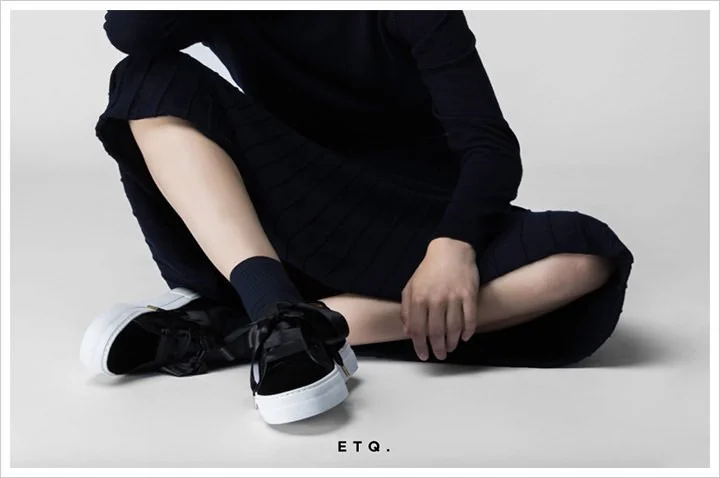
Minimalist layouts focus on clarity, simplicity, and intentional space. They strip away excess so your message—and call to action—stands out.
What defines a minimalist layout:
Generous white space
Limited color palette
Strong typography
Clear visual hierarchy
Simple navigation
Best for:
Service-based businesses
Consultants & coaches
Creative portfolios
Wellness, lifestyle, and interior brands
Why it works: Minimalist layouts reduce cognitive overload. Visitors understand what you do faster, which often leads to higher conversion rates.
-
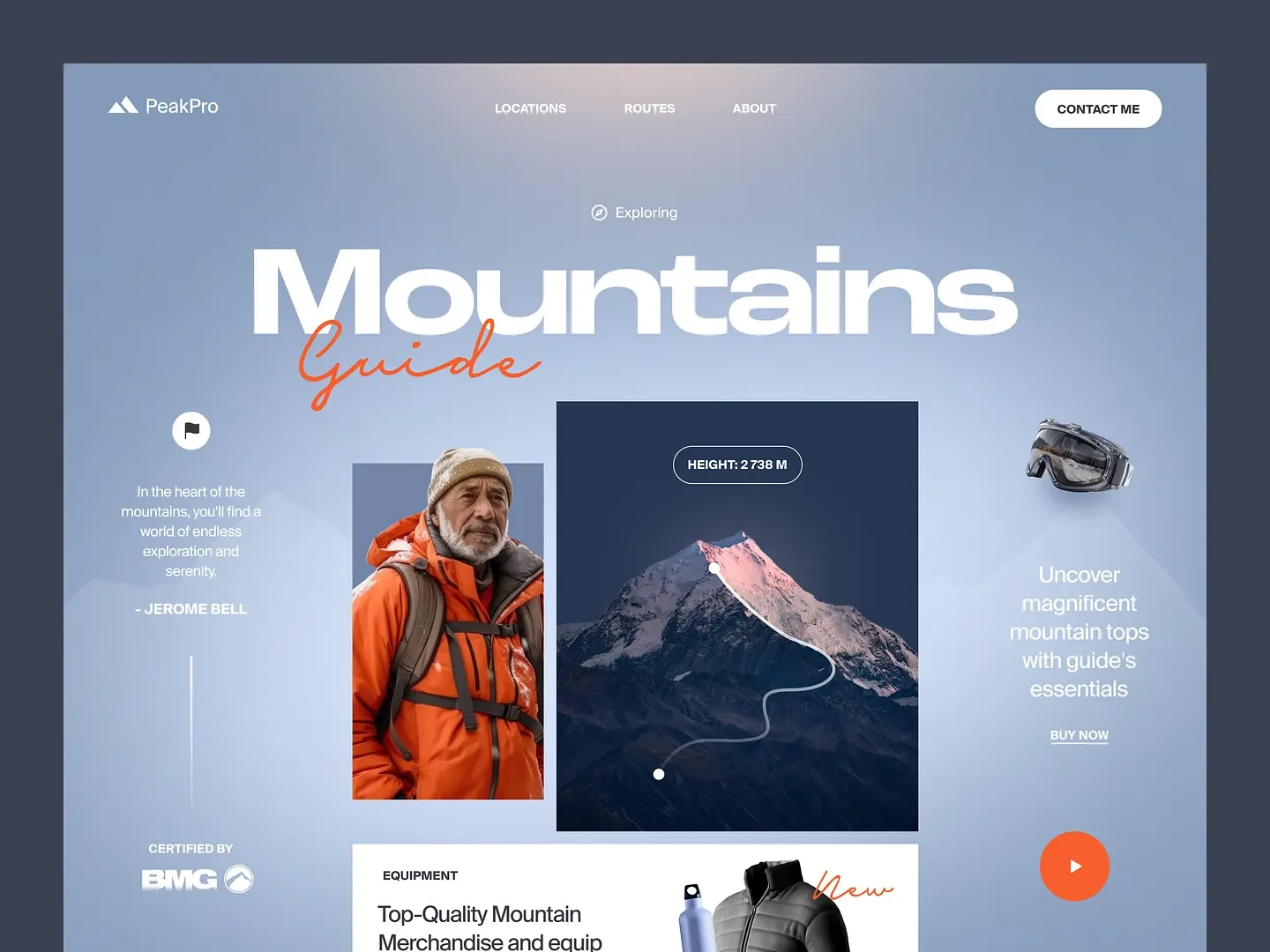
Bold layouts are designed to grab attention instantly. They rely on contrast, color, and scale to create a strong emotional response.
What defines a bold layout:
Large headline typography
High-contrast colors
Full-width sections
Strong imagery or graphics
Confident visual statements
Best for:
Creative studios
Artists & designers
Fashion, beauty, and media brands
Brands competing in crowded spaces
Why it works: Bold layouts are memorable. When executed well, they help brands stand out and feel unmistakably confident.
Pro tip: Bold doesn’t mean chaotic. The best designs balance visual impact with structure.
-
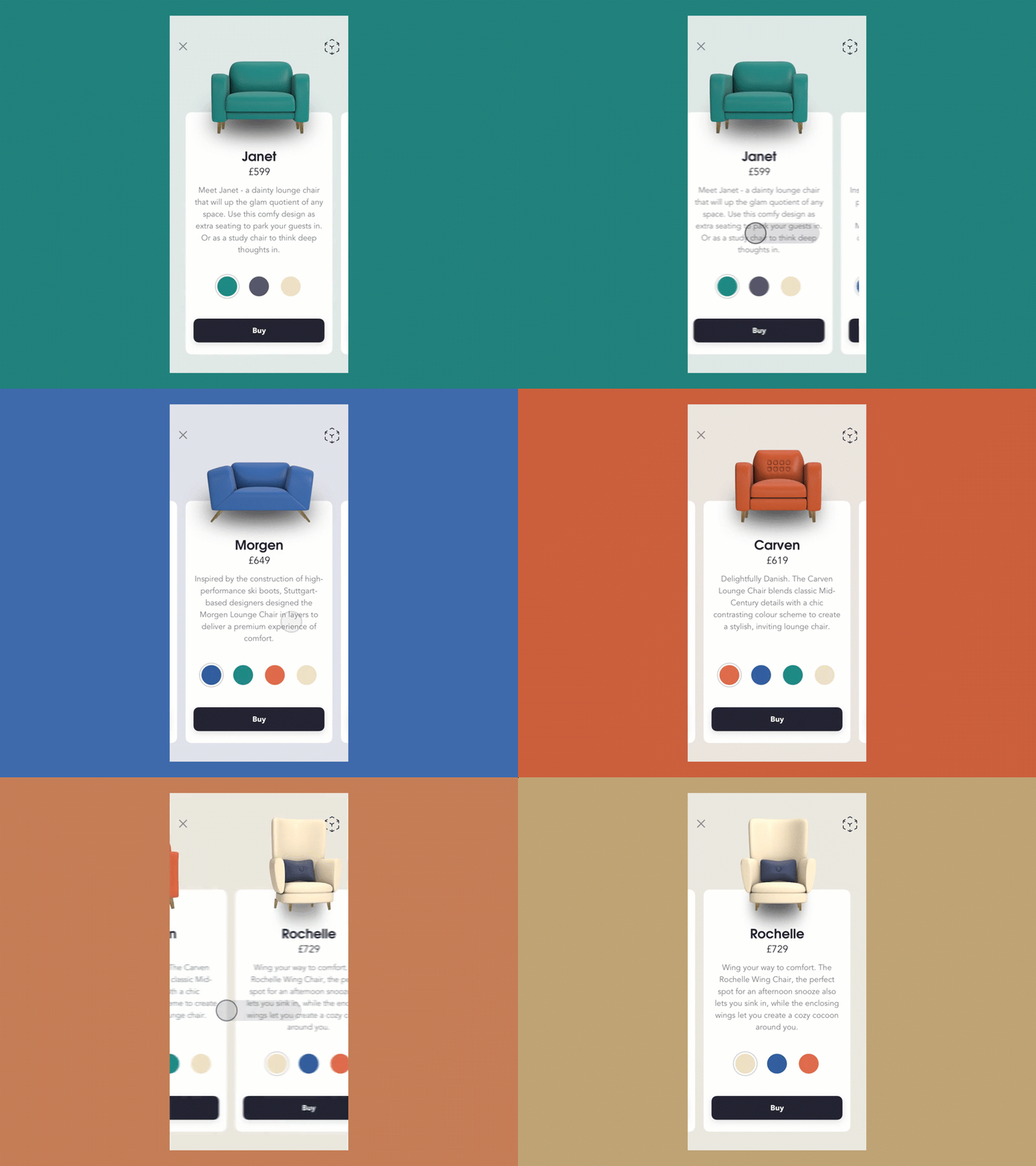
Interactive layouts use motion and engagement to guide users through the site experience.
What defines an interactive UI layout:
Scroll-triggered animations
Hover effects
Micro-interactions
Subtle parallax movement
Dynamic transitions
Best for:
Tech-forward brands
Creative agencies
Product launches
Brands telling a story through experience
Why it works: Interactive UI increases engagement and time-on-site—two signals that support both user experience and SEO performance.
Important note: Interaction should enhance usability, not distract from it.
How to Choose the Right Website Layout Style
The “best” layout isn’t about trends—it’s about alignment.
Ask yourself:
Do I need clarity or impact first?
Is my audience skimming or exploring?
Do I want calm, confidence, or energy?
Many high-performing websites blend styles—minimal structure with bold typography, or clean layouts with subtle interaction.
Final Takeaway: Layout Is a Conversion Tool
Great website layouts don’t just look good—they guide attention, build trust, and lead users toward action.
Whether you lean minimalist, bold, or interactive, the most effective layouts:
Make navigation intuitive
Highlight key actions clearly
Support your brand personality
Feel intentional, not templated
If you’re collecting website layout inspiration, use these styles as a starting point—not a rulebook.